
A closer look
Features
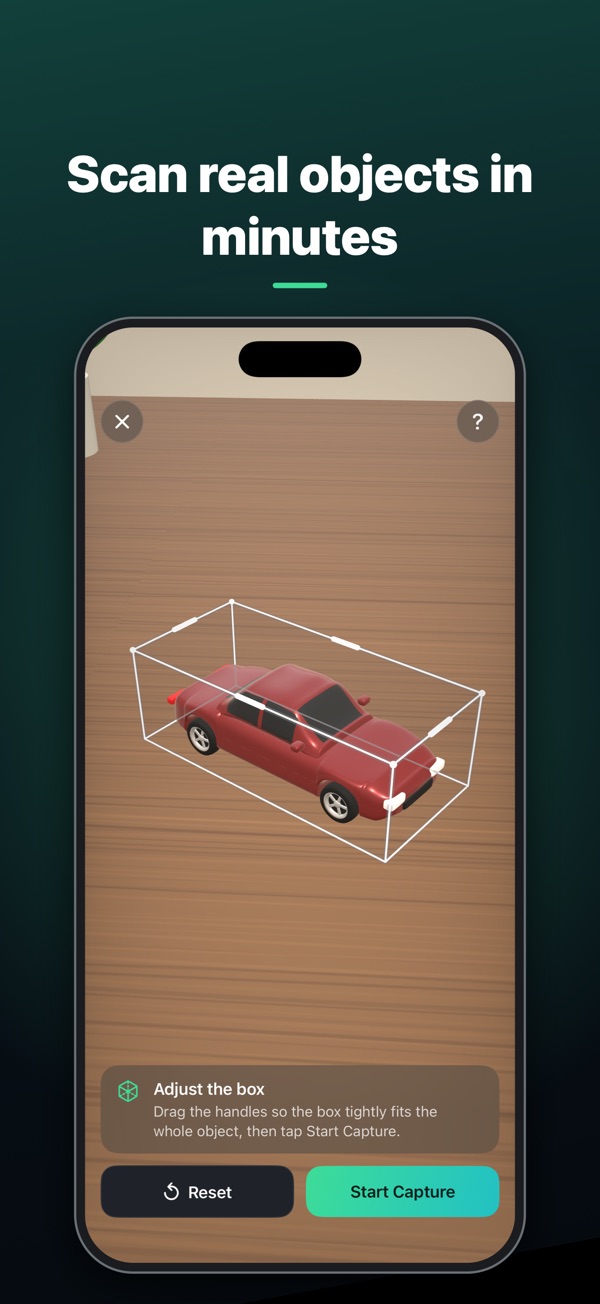
- Guided captureLive coaching and automatic shots as you walk around the object, with a build-readiness indicator, a pre-scan checklist and optional extra passes or a flip for the underside.
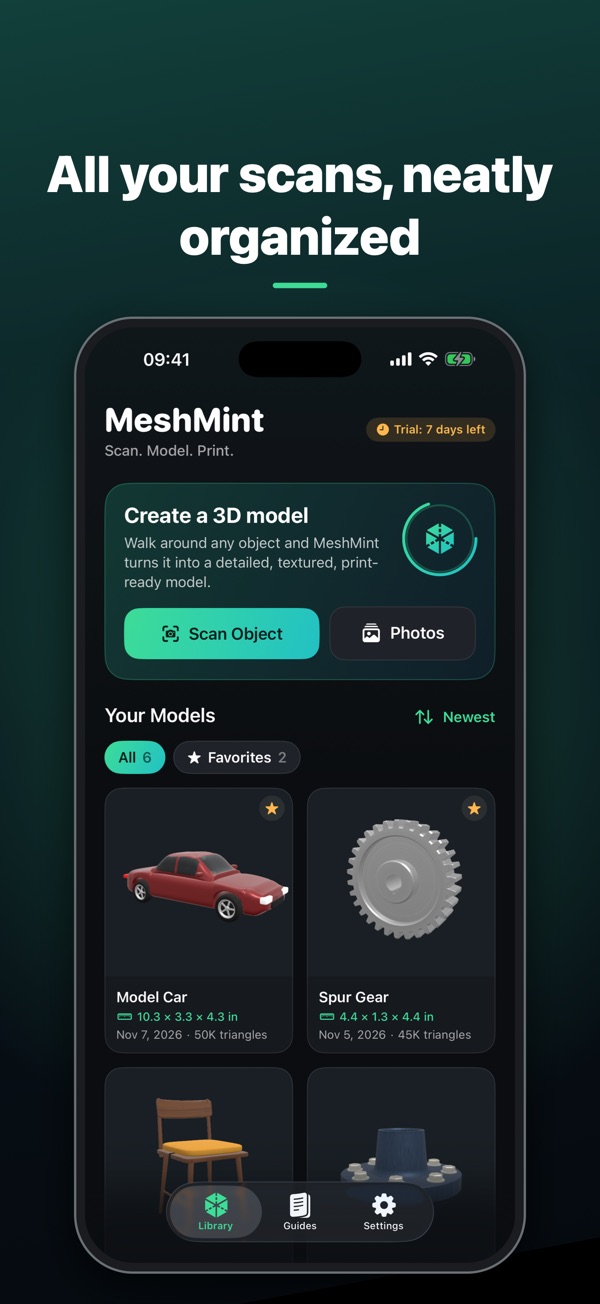
- Built on your deviceApple's Object Capture turns your photos into a detailed, textured 3D model right on your iPhone or iPad. You can also build models from photos you import.
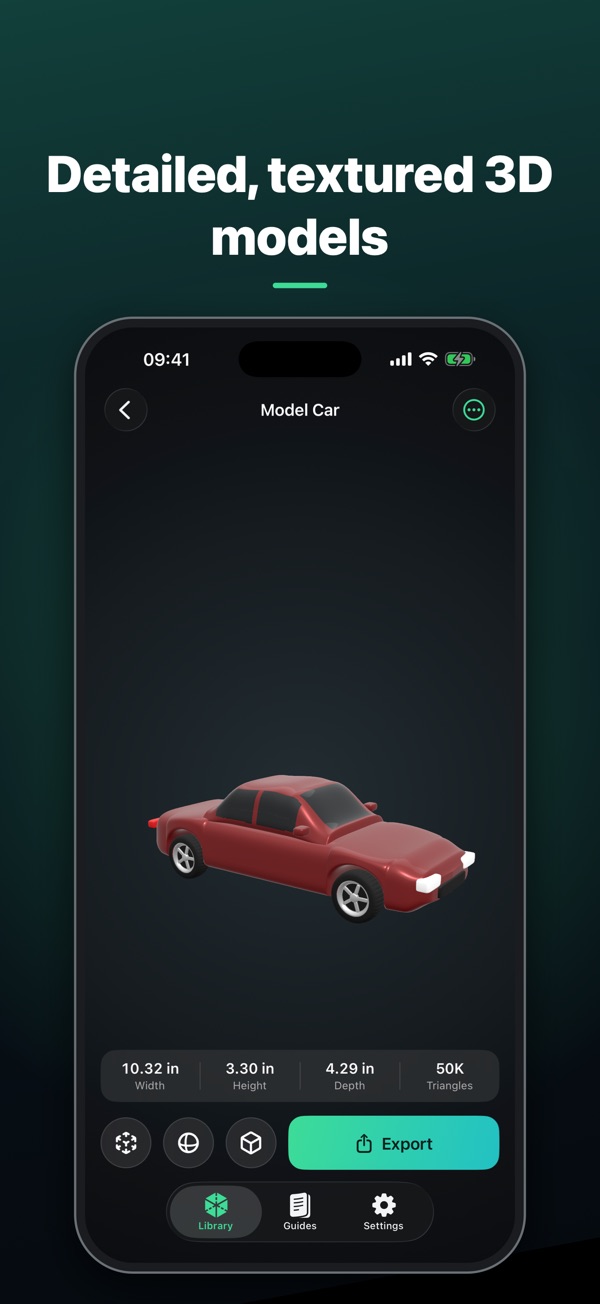
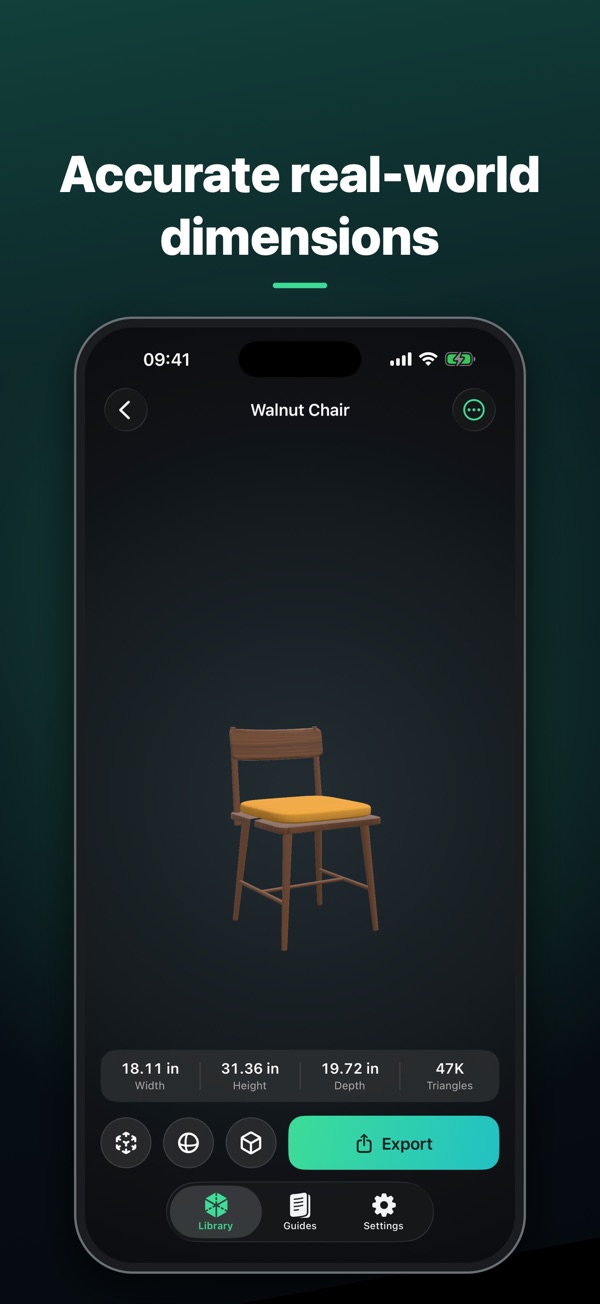
- True to scaleModels keep their real-world size. Measure them, or set an exact size or scale before you print.
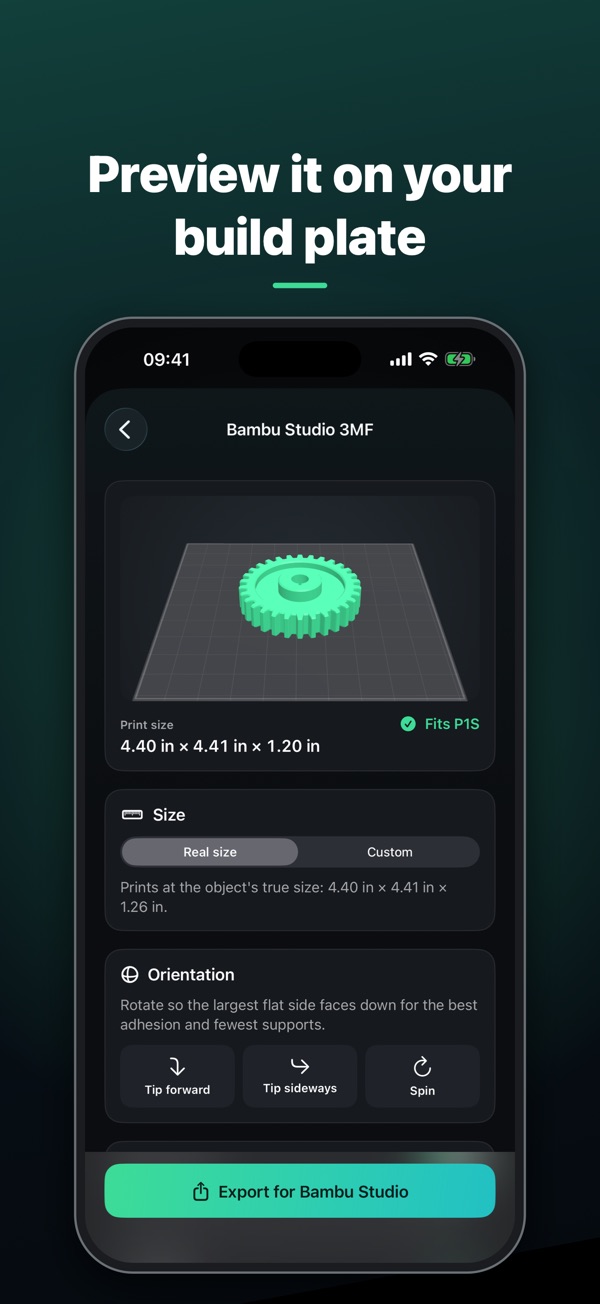
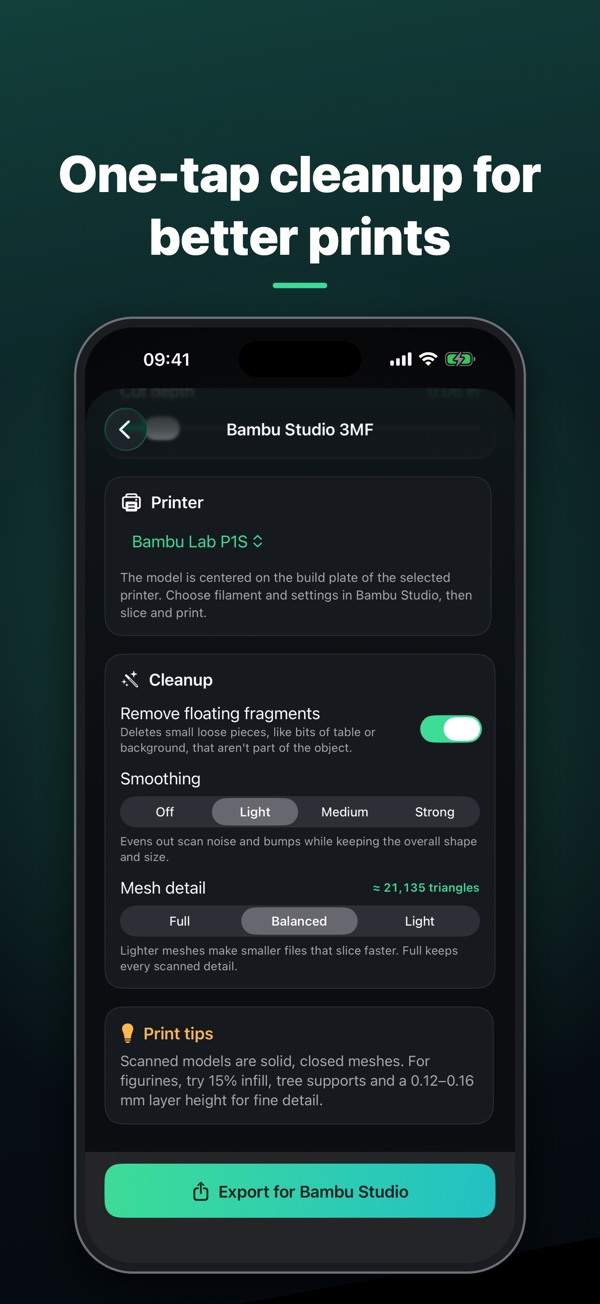
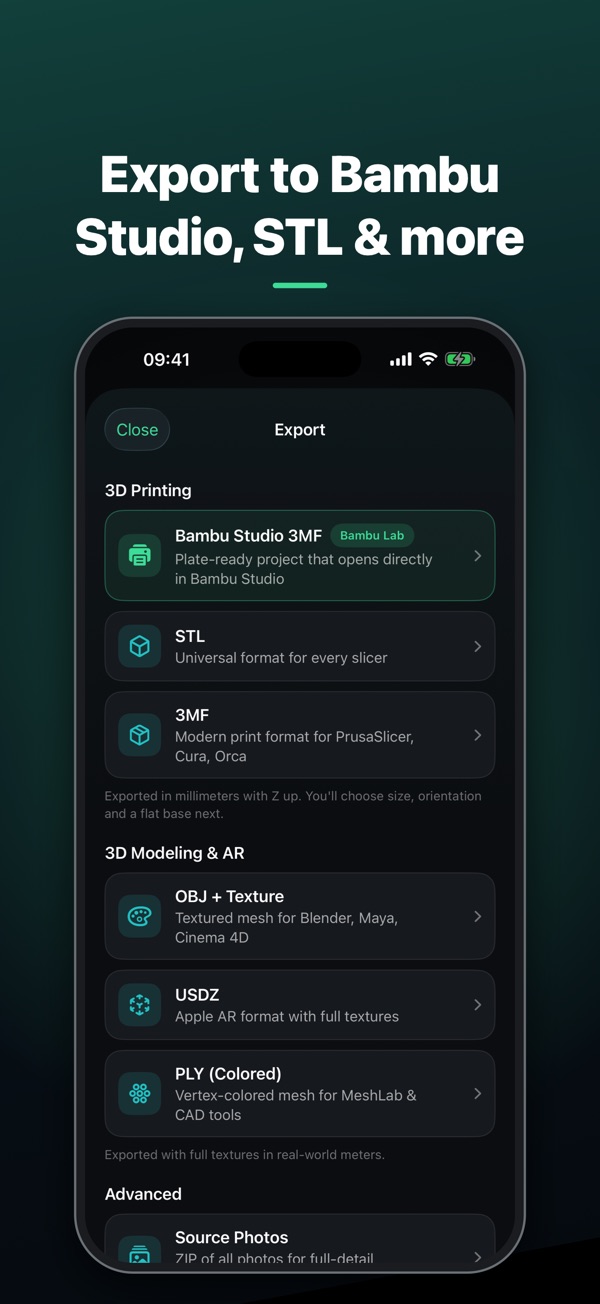
- Ready for Bambu StudioExport a plate-ready 3MF project centered on your Bambu Lab printer's plate, with a fit check for 9 printers.
- Every common formatSTL and 3MF in millimeters, OBJ with textures, USDZ for AR, PLY with colors, plus the source photos for processing on a Mac.
- Print preparationFlat base cut with a watertight, capped bottom, quarter-turn orientation and a 3D build-plate preview.
- One-tap cleanupRemove floating fragments, smooth the surface without shrinking it, and simplify the mesh while keeping it watertight.
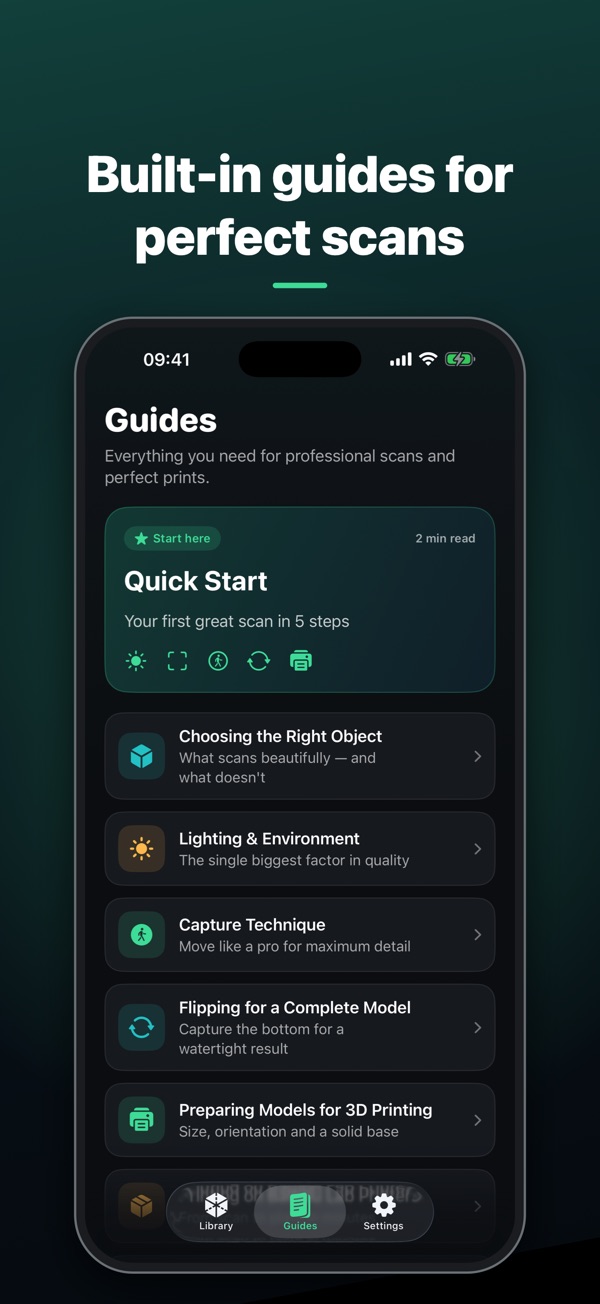
- Built-in guidesNine guides on choosing objects, lighting, technique, flipping, printing and troubleshooting.
- Pay onceFree for 7 days, then a single one-time purchase. No subscription, no ads.
- Private by designEverything happens on your device. No account, no uploads, no tracking.
- 20 languagesFully translated, on iPhone and iPad. Guided capture needs a device with a LiDAR Scanner.